
The MatchHalf Telegram bot — @matchhalfbot — lets you create an account, recover a login, and keep your profile in order without opening the website. This guide covers how to register, what each command does, and how to use the bot day to day.
What the bot is for
MatchHalf Assistant on Telegram helps you manage a matrimonial profile from the chat you already use. You can:
Create a new account with email and phone verification
Get your username or reset a password
Check profile and verification status
See how complete your profile is
Fill personal details and upload a photo
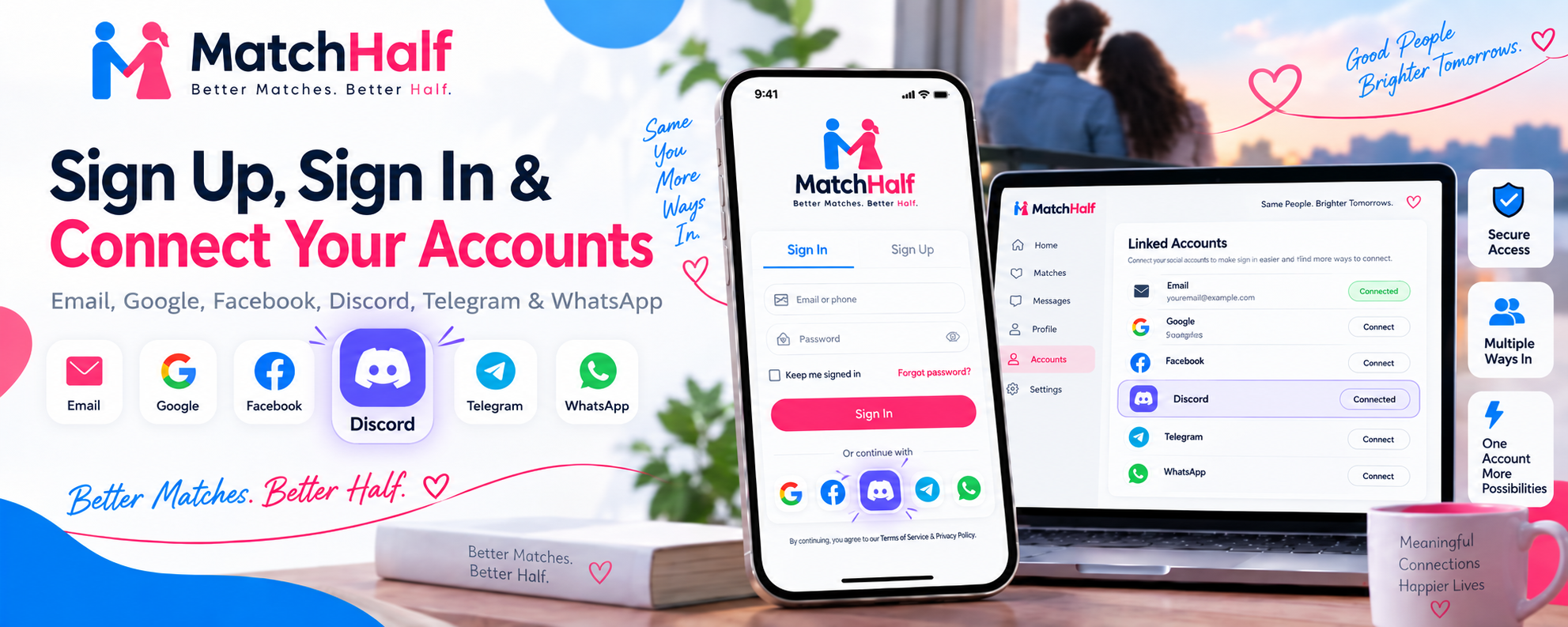
Link Telegram to an account you already have on the website
Your email and phone are stored on your MatchHalf profile, not left sitting in the chat. Conversations with other members still happen on MatchHalf, not inside this bot.
How to register
You need a Telegram account first. Then open the bot in any of these ways:
Search @matchhalfbot in Telegram and tap Start
On the MatchHalf website, choose Continue with Telegram on sign up. That opens the same bot.
Then type /signup or tap Sign up on the menu. The bot will ask for the following, one step at a time:
First name and last name (at least two characters each).
Username — 3 to 30 letters, numbers, or underscores. This is how you appear on MatchHalf.
Email — we send a 6-digit code. Enter it in the chat. The code expires in five minutes.
Phone — use international format, for example
+14155552671. You can skip this and add it later with/verify.Password — at least 8 characters, with an uppercase letter, a lowercase letter, a number, and a special character (
@ $ ! % * ? &).Gender — or skip if you would rather add it on the website.
If this Telegram chat is already linked to an account, the bot will not create a second one. Disconnect Telegram in Account Settings on the website first if you need to start over.
If the email is already registered, use /link instead of signup.
Link an existing account
Already signed up on the website? Open the bot and send /link, or visit t.me/matchhalfbot?start=link. Enter the email on the account. We send an OTP. Once that is confirmed, this Telegram chat is tied to your profile, and the other commands work.
Commands
Type a command, or use the buttons on the menu. Either works.
/start— Open the menu and a short description of the bot./signup— Create a new MatchHalf account./login— Get your username or reset your password. Useful if you signed up here and later want to use the website./status— Name, username, email and phone verification, profile status, plan, and join date./completion— How complete your profile is, and which fields are still empty./profile— Add personal details such as date of birth, bio, and location./myphoto— Show the photo currently on your profile./photo— Upload a new profile photo (send an image, up to 8MB)./link— Connect this chat to an account you already have./verify— Confirm email or phone with a new OTP./cancel— Stop the current step and return to the menu./help— Show this command list again.
Everyday usage
After signup or linking, a typical week looks like this:
Send
/completionto see what is missing.Use
/profileto fill those fields in the chat.Send
/photoand attach a clear picture of yourself.Send
/verifyif email or phone is still unmarked.Send
/statuswhen you want a full snapshot, including your plan.
If you get stuck mid-flow, /cancel clears the step so you can start a command again. Phone numbers must start with + and the country code. OTPs expire after five minutes — request a new one with /verify if you miss the window.
Website login after Telegram signup
The account you create in Telegram is a normal MatchHalf account. On the website, sign in with the same email and password. If you forget the username or password, open the bot and use /login. You can also start that flow from t.me/matchhalfbot?start=login or the Continue with Telegram button on the login page.
What the bot will not do
The bot does not browse matches, send interest, or chat with other members. Those stay in the MatchHalf app and website, where verification and privacy controls apply. Telegram signup can be turned off by administrators; if that happens, the bot will tell you to use the website instead.
If you need product help rather than account setup, use the QwryAI chat on the website or email support. The Telegram bot is for your profile — not for customer-service tickets.